Why this matters
Investor Days are trust engines. Analysts judge clarity, reliability, and how well you evidence the story. This playbook keeps focus on what they actually need to see and hear—without surprises.
1) Define the narrative first
Decide what you want analysts to conclude before you choose kit.
- One story arc: strategy → proof → outlook → Q&A.
- Evidence mix: 3–5 charts that carry the day; keep backups for deep dives.
- Speaker roles: CEO sets context, CFO anchors numbers, leaders show delivery.
2) Room layout that favours analysis
If they can’t see, they can’t model.
- Sightlines: No seat beyond 30° off-axis; walk back corners to test.
- Stage height: 30–60 cm is usually enough; avoids “looking up” on cameras.
- Analyst tables: Power at desk height; stable Wi-Fi SSIDs printed on name cards.
- Press/record: A roped camera position and media table with audio split.
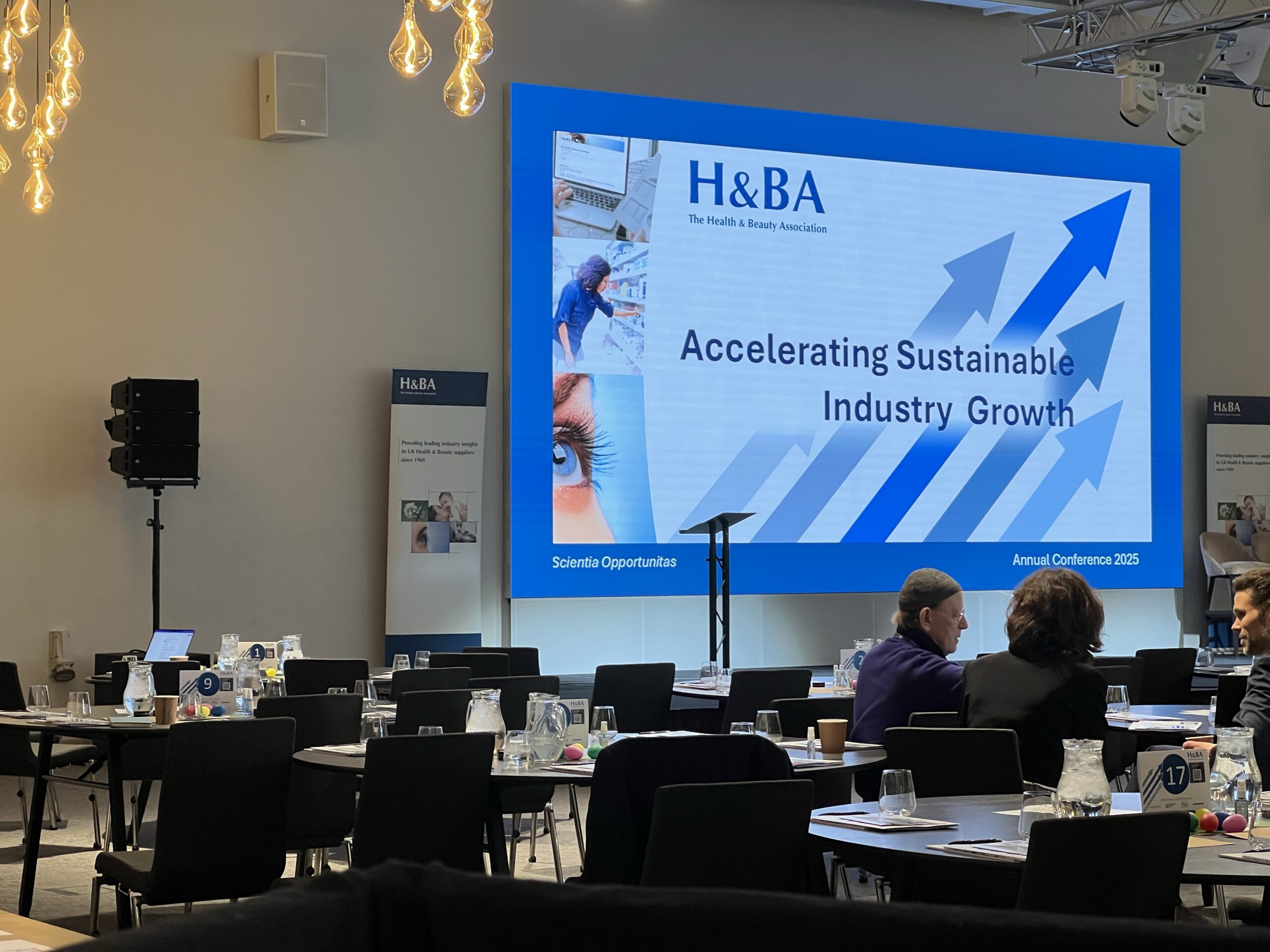
3) Slides built for the back row and the stream
Data clarity beats design flair.
- Type sizes: 28–32pt body minimum on room screens; 18pt+ on webcast graphics.
- Contrast: Dark text on light background or vice-versa; avoid thin lines.
- Chart prune: No more than 5 data series per chart; highlight the takeaway.
- Disclaimers: Place once per section; keep legible on stream.
4) Screens & sightlines that make numbers legible
Show the right thing, the right way.
- Screen plan: 1x main deck + 1x “data screen” for detailed charts; add a comfort monitor.
- IMAG caution: Don’t cover charts with the presenter’s face; split feeds cleanly.
- Backdrop: Matte textures; avoid patterns that moiré on camera.
5) Camera plan that tells the story
Treat it like a small broadcast.
- Shots list: Wide stage, tight on speaker, clean slide capture; optional crowd reaction.
- Angles: Cameras centred to screen axis; avoid steep side angles that skew slides.
- Lighting: Even front-fill at eye level; no raccoon-eye downlights.
6) Audio you don’t have to think about
Analysts need every digit.
- Mics: Headset or lapel for presenters; handhelds on stands for Q&A.
- Mixing: Mild compression; auto-mix on panels to stop cross-talk.
- PA coverage: Aim for 0–3 dB variance; add front-fills for front rows.
- Recording: Multitrack audio for clean transcripts and replay.
7) Streaming & redundancy (Investor relations IR-grade)
Be ready for load spikes and failovers.
- Encoders: Primary + backup with identical profiles; record locally too.
- Connectivity: Venue line + bonded 4G/5G; bandwidth test at show time.
- Player: Low-latency with DVR so viewers can rewind; chapter markers post-event.
- Alt path: Audio-only fallback and dial-in details on the holding slide.
- Captions: Live captions on stream; transcript posted to IR site.
8) Q&A that feels fair (room + remote)
Moderation matters more than gear here.
- One funnel: In-room mics and remote questions flow to a single moderator.
- Timeboxing: Display a subtle countdown on comfort monitor.
- Order: Alternate in-room and remote; disclose if you batch similar questions.
- Follow-ups: Capture unanswered questions and publish responses within 24–48h.
9) Demo & showcase zones (if relevant)
Impress without risk.
- Isolation: Put demo audio on its own mix; no surprises in the main PA.
- Camera plan: Pre-focus a product shot; avoid reflective surfaces.
- Contingency: Pre-record a 60-second demo clip in case live fails.
10) Compliance, privacy, and access
Run tight and stay transparent.
- Recording notices: Signage at doors + disclaimer on landing page.
- Data handling: Unique registration; collect minimum data; retention dates set.
- Accessibility: Captions, readable slides, and transcripts; consider language variants if needed.
11) Rehearsal = calm live day
Remove risk before the audience arrives.
- Full run-through: With CEO/CFO; test slides on the real screens.
- Failure drills: Mic swap, deck takeover, stream failover.
- Call sheet: Minute-by-minute with direct dials and backups.
- Content lock: Freeze deck 24h prior; version the final file.
12) After the event: package the assets
Make it easy for analysts to revisit.
- Chapters: Trim video by agenda topics; post slides as PDF.
- Transcript: Publish on IR page; time-stamped to chapters.
- Metrics: Track live vs. on-demand, rewind usage, and Q&A patterns.
Can we help with your next idea? Don’t hesitate to reach out to our team to discuss your needs and find the best solution for you.