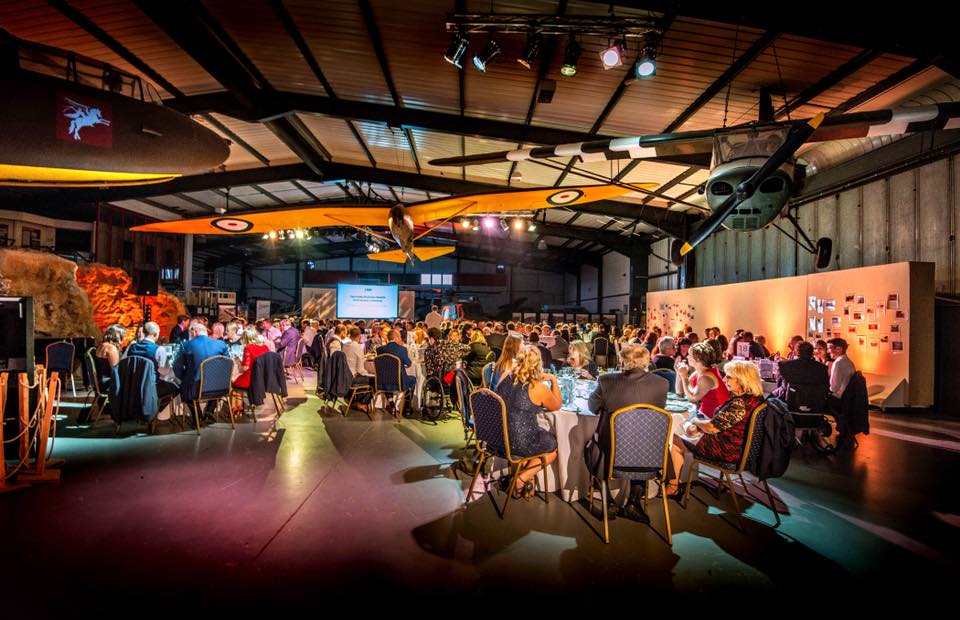
A practical guide to help you choose the right projector for your event, based on four of our most‑hired Epson models. We’ll cover throw distance, room brightness, rear‑projection penalties, lens choices, screen size vs. image brightness, and handy on‑board features.
Quick answer
-
Small rooms / tight spaces / short throw: Epson EB‑L200SW Ultra Short – crisp image from very close to the screen; minimal shadows and glare. Ideal for classroom‑style training, pop‑ups and small meeting rooms.
-
Portable meetings up to medium screens: Epson EB‑U05 – compact, budget‑friendly, great for slides and video in smaller rooms where you can dim the lights.
-
Professional mid‑large venues: Epson EB‑L1070U – laser light source, interchangeable lenses, excellent colour, lens shift and advanced geometry tools. A flexible workhorse for conferences and exhibitions.
-
Large venues / bright environments / big screens: Epson EB‑L1750U – high‑output laser projector for big, bright images and multi‑projector edge blends in auditoriums, outdoors or expo halls.
Not sure? Tell us your screen size, throw distance (lens to screen), room brightness and whether you’re front or rear projecting. We’ll spec the best fit and lens.
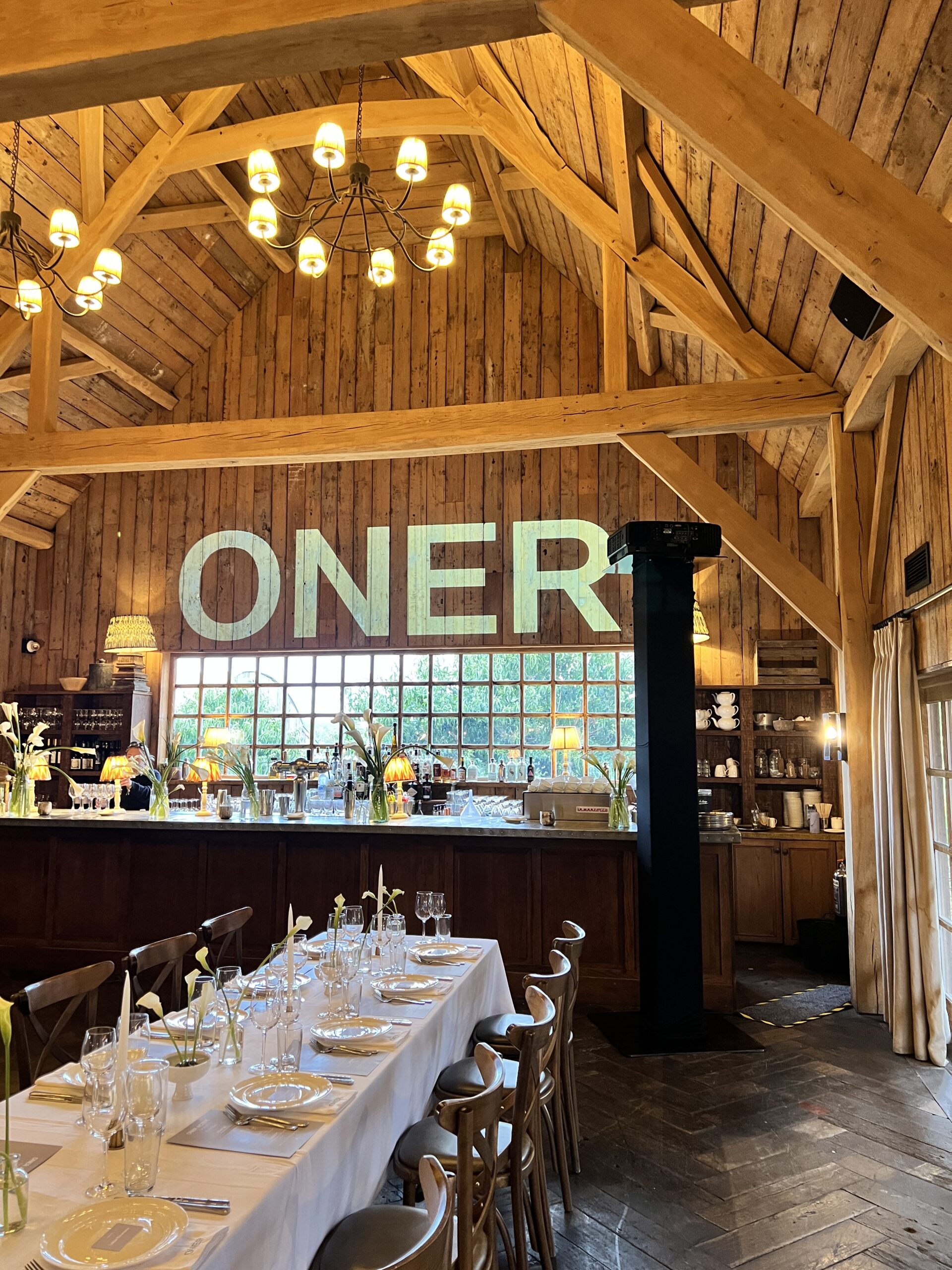
What actually matters
1) Distance to screen (throw)
-
The throw ratio tells you how far the projector needs to be from the screen:
Distance = Throw Ratio × Image Width. -
Ultra‑short throw (UST): sits very close to the screen; great when you have people in front of the screen or limited depth.
-
Short/standard/long throw: chosen based on your room depth and screen width. Interchangeable‑lens models (L‑series) let us swap lenses to suit your space.
Tool: Use Epson’s official Throw Distance Calculator to check exact throw ranges for each model and lens, and to preview image size at your available distance. It’s ideal for confirming whether ELPLU03/ELPLM15/ELPL08 will land you mid‑zoom.
External link: https://support.epson-europe.com/TDS/#/page/advanceMode
2) Ambient room brightness
-
More ambient light = more brightness required. If you can’t dim the lights, step up the projector class (e.g., from EB‑U05 to L‑series) or reduce screen size.
3) Rear‑projection penalties (and lens position)
-
Rear‑projection screens typically deliver ~20–35% lower perceived brightness than front‑projection (screen gain and light path losses). Plan accordingly.
-
Zoom position matters: operating at the tele end of a zoom can reduce brightness vs. the wide end. Whenever possible, choose a lens that puts you mid‑zoom for best brightness and focus uniformity.
4) Screen size vs. image brightness
-
Bigger screens spread the same light over a larger area, reducing nits (cd/m²). If you double the screen width, you’ll need a notably brighter projector to keep punch.
-
As a rule of thumb for presentations in typical conference lighting, aim for 50–100 lux on screen; for video‑heavy content in brighter rooms, aim higher. We’ll model this for you if you share the room details.
5) On‑board features to look for
-
Lens shift (vertical & horizontal): aligns the image without tilting the projector (L‑series models).
-
Corner correction / keystone / curved surface tools: fast tidying of geometry when the rig isn’t perfectly square.
-
Edge blend & multi‑projector control: stitch multiple projectors into one huge, uniform image (L‑series).
-
Laser light source (L‑series): fast on/off, consistent brightness over time, low maintenance.
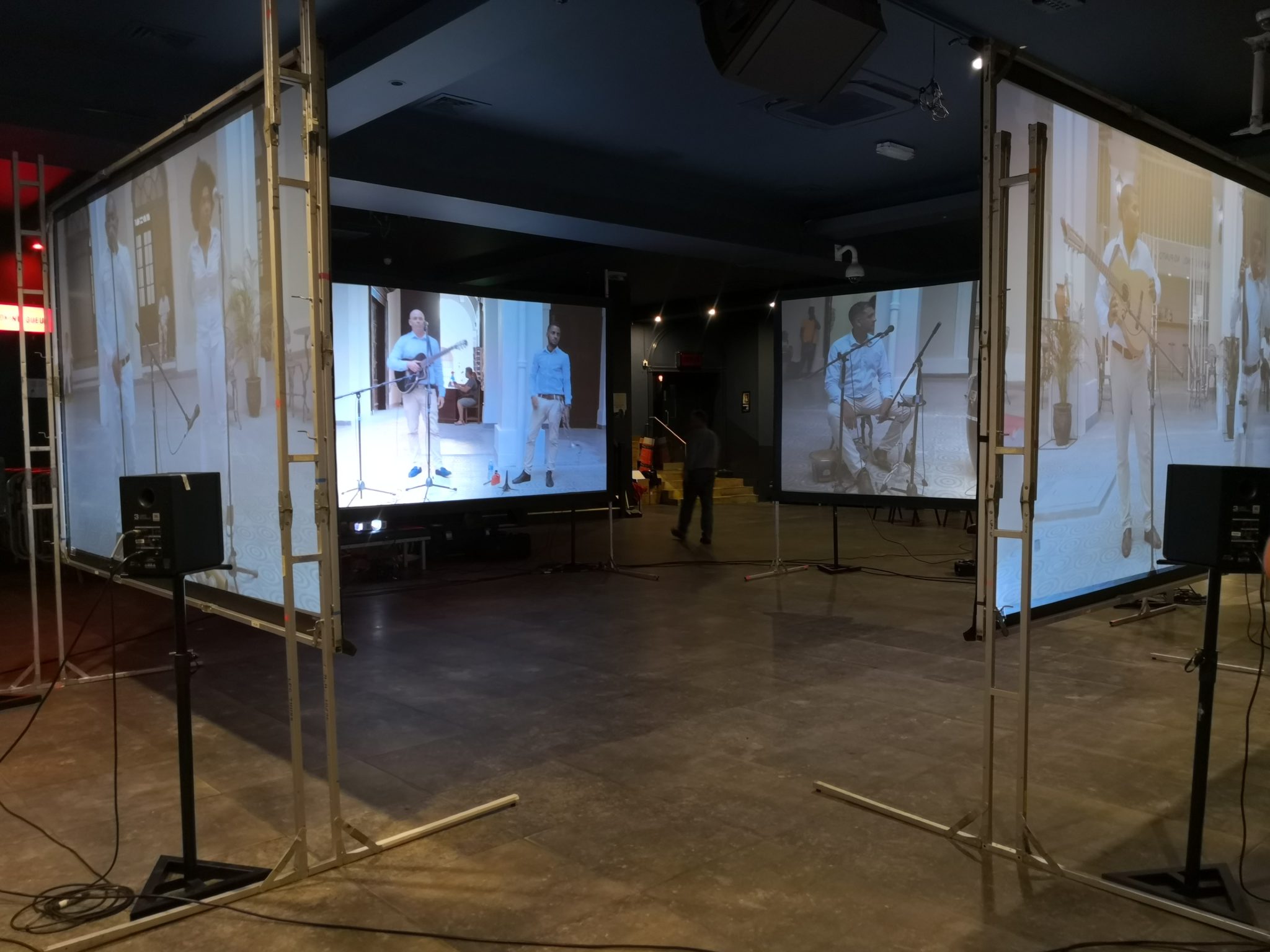
The four favourites – when to pick each
Epson EB‑L200SW Ultra Short
-
Best for: tight rooms, interactive spaces, training, temporary displays where people stand close to the screen.
-
Why hire it: ultra‑short throw keeps the projector near the screen so presenters don’t cast shadows; bright, punchy picture on modest‑to‑medium screens.
-
Good to know: UST optics limit lens options; pick this when space is the main constraint.
Epson EB‑U05
-
Best for: portable meetings, small seminars, living‑room‑scale screenings.
-
Why hire it: compact, simple to set up, excellent for slides and video when you can dim lights.
-
Good to know: lamp‑based; for larger screens or bright rooms, consider stepping up to an L‑series laser model.
Epson EB‑L1070U
-
Best for: conferences, trade stands, galleries, mid‑size stage screens.
-
Why hire it: laser engine, high colour accuracy, stacked features (lens shift, corner correction, edge blending with software) and interchangeable lenses.
-
Good to know: the right lens is key; see lens options below.
Epson EB‑L1750U
-
Best for: large venue screens, bright foyers, outdoors at dusk, multi‑projector blends and mapping.
-
Why hire it: serious light output with the same professional toolset as the L1070U, scaled up.
-
Good to know: perfect for large projector screen applications and wide stages.

Lens options we stock (for L‑series)
We carry a range of Epson lenses to match your throw:
-
ELPLU03 – Short‑throw: great when the projector must be close to the screen without going ultra‑short.
-
ELPLM15 – Standard‑throw (15k): the everyday choice for typical conference distances with flexibility to zoom.
-
ELPM08 – Standard (10k and below): for rear‑of‑room or control‑room positions where you need extra distance.
Tell us your screen width and available throw distance and we’ll choose the lens that keeps you mid‑zoom for best brightness and focus.
Rear‑projection vs front‑projection – which should you choose?
-
Rear‑projection keeps kit behind the screen, tidy and out of sight. It avoids audience shadows but needs space behind the screen and more projector brightness due to screen losses.
-
Front‑projection is simpler and more efficient for brightness. Use when you have adequate rigging positions in front of the screen and want to maximise punch per pound.
Quick decision tree
-
Can you dim the lights?
-
Yes: EB‑U05 (small/medium) or EB‑L1070U (medium/large).
-
No / bright room: EB‑L1070U (medium) or EB‑L1750U (large).
-
-
How much depth do you have?
-
Very little: EB‑L200SW Ultra Short.
-
Some depth: EB‑L1070U/EB‑L1750U with ELPLU03 (short) or ELPLM15 (standard).
-
-
Front or rear projection?
-
Rear: consider stepping up one brightness class vs front‑projection.
-
What we need to quote accurately
-
Screen width and height (or diagonal).
-
Throw distance (lens to screen).
-
Projection type (front or rear).
-
Room lighting (can you dim? any daylight?).
-
Content type (slides, video, fine detail).
-
Venue / rigging constraints.
Share these and we’ll propose the best projector, lens, and screen combination, plus delivery and setup options.
Can we help with your next idea? Don’t hesitate to reach out to our team to discuss your needs and find the best solution for you.